A website can have hundreds of valuable keywords but that does not mean every page should target all of them. The main challenge is choosing which keyword belongs to which page and what type of content answers users’ search.
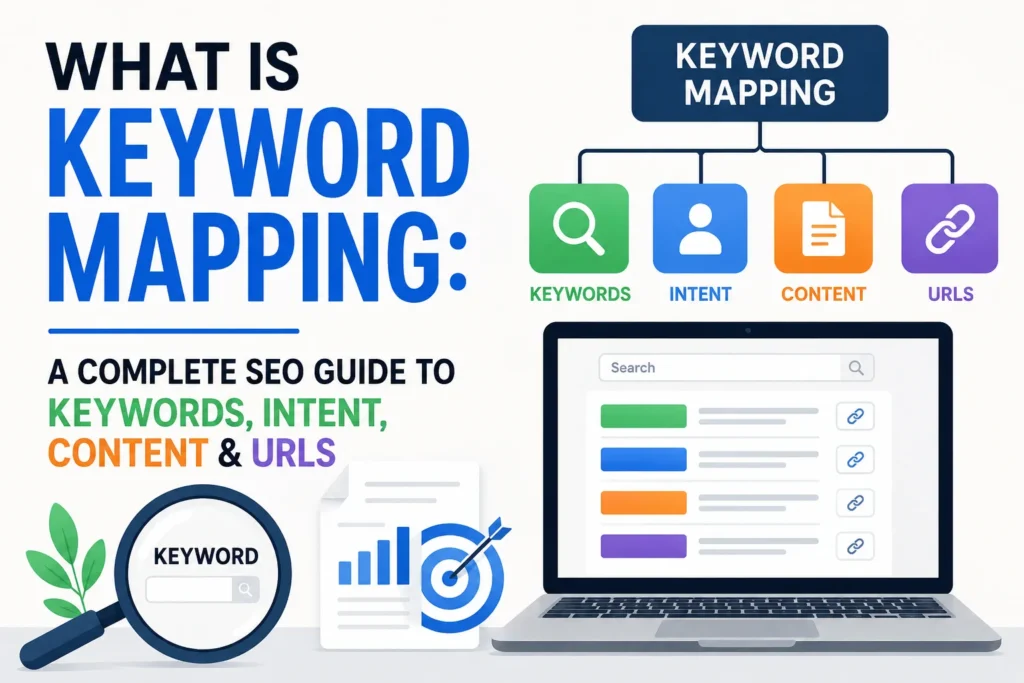
Keyword mapping makes the problem easier by giving each keyword a clear purpose within your website. It groups related terms, matches them with search intent, chooses suitable pages and URLs and reveals content gaps over your site.
This guide will show you how to create a keyword map from start to finish. This is not just an ordinary guide but we have also analyzed what experts like Neil Patel recommend. We will discuss techniques that actually work on real websites. Plus, you will learn to find content gaps, avoid keyword cannibalization and connect keywords from real experts.
What Is Keyword Mapping in SEO?
Keyword mapping means assigning the matching keywords to the right pages on your website. It keeps your content focused and helps every page target a clear topic. It also connects your keywords with search intent, content and URLs. This makes it easier to plan new pages and improve existing ones effectively.
Keyword mapping is important because it:
- Keep your keywords organized.
- Gives each page a clear SEO focus.
- Helps match content with search intent.
- Makes your website structure easier to understand.
- Helps find missing content topics.
- Reduces overlap between similar pages.
- Makes content planning easier.
How does keyword mapping connect keywords with pages, content and URLs?
Keyword mapping connects each target keyword with the page that ranks for it. The keyword tells you what the page should cover while search intent shows what users expect to find. The URL then gives the page a clear and relevant web address. This creates a simple path from keyword to content to page to URL. It also helps keep each page focused and makes your website easier to organize.
How to Create a Keyword Map
A keyword map gives each search term a clear place on your website. Follow these steps to connect keywords with the right pages, content and URLs.
Step 1. Audit Your Existing Website
Start by reviewing your main pages, product pages, service pages and URLs. Note which pages already rank for important keywords. Also check pages that get organic traffic or already cover useful topics.
Look for pages that:
- Need better content
- Cover similar topics
- Have little or no organic traffic
- Could target a useful keyword
- Compete with another page
This gives you a clear view of your current SEO setup.
Step 2. Research Your Target Keywords
Find keywords your audience uses when searching for your products, services or information.
You can also use the keyword research tools such as Ahrefs, Semrush or Google Keyword Planner to find them. Google search suggestions also reveal common searches.
When choosing keywords, consider:
- Relevance to your website
- Search intent and Search volume
- Competition
- Keyword difficulty
- Long-tail variations
Do not choose keywords only because they have high search volume. A relevant keyword with less competition brings more useful visitors.
Step 3. Group Keywords by Topic and Intent
Once you have your keyword list then you can organize related terms into groups. Keywords that cover the same topic and have a similar intent often support one page.
For example, several searches about SEO for lawyers belong to one topic group. However, a search for law firm SEO pricing needs different content if the searcher wants cost information. Rand Fishkin, Founder of Moz & SparkToro also stressed,
“On-page SEO is no longer satisfied by raw keyword use. Matching keywords to searcher intent is critical.”
Step 4. Analyze the Search Results
Before assigning a keyword to a page, always check the current search results. Search the keyword on Google and look at the pages that rank. Pay attention to the type of content Google shows you. You will see product pages, category pages, guides, comparison articles or service pages.
This step helps you understand what searchers expect. Your page should meet the need rather than simply repeat the keyword.
Step 5. Identify Keyword and Content Gaps
A keyword gap happens when competitors rank for relevant searches that your website does not target. A content gap appears when your site has a topic but does not answer an important part of it. Look for the relevant keywords you do not target and Useful topics your site is missing.
According to Neil Patel, identifying these gaps helps keep a website relevant to search engine queries. However, not every gap needs a new page. First check whether an existing page can cover the topic well.
Step 6. Assign Keywords to the Right Pages
Now give each keyword group a clear home on your website. Match the keyword and its intent with the page that answers the search. Gabriel Both (HikeSEO on YouTube) also recommends having one unique topic for each page instead of having multiple pages targeting the same or very similar topic. This avoids keyword cannibalization.
So a product keyword fits a product page while a broad topic fits a category page. A question works better on an informational guide. This step is the heart of keyword mapping. You are deciding which page should target which keyword.
Step 7. Create or Optimize Pages
Decide what action each page needs after assigning keywords.
You need to:
- Improve an existing page
- Add missing information
- Create a new page
- Combine similar pages
- Change a page’s main keyword focus
Do not create a new page for every keyword. If several keywords have the same topic and intent then one strong page serves them better.
Step 8. Build Your Keyword Map
Now put your decisions into one simple document or spreadsheet. This becomes your keyword map and gives you a clear record of your SEO plan.
Useful columns can include:
- Target keyword
- Keyword group
- Search intent
- Content type
- Target URL
- Primary keyword
- Related keywords
- Page status
Step 9. Apply On-Page and Internal Linking Changes
Use your completed map to guide your page updates. You can use the map to improve internal links. Link related pages together with clear and useful anchor text. These changes connect related content across your website. They also make it easier for visitors to move from one useful page to another.
Step 10. Monitor and Update the Map
Keyword mapping is not a one time task. Search trends and rankings can change over time. Check your pages regularly and update the map when new keywords or topics appear. Also review pages that target the same search intent. This keeps your keyword map useful and your SEO plan on track.
A simple example helps you understand what a keyword map looks like and how it helps.
| Target Keyword | Keyword Group | Search Intent | Content Type | Target URL | Page Status |
| SEO for lawyers | Lawyer SEO | Commercial | Service page | /seo-for-lawyers | Create |
| What is law firm | Law firm basics | Informational | Guide | /what-is-law-firm | Create |
| Law seo services near me | Local law SEO services | Navigational | Location page | /law-seo-near-me | Existing |
| Seo cost for law website | SEO pricing | Transactional | Pricing guide | /seo-pricing-for-law | Create |
What tools should I use to build a keyword map?
You can use Ahrefs, Semrush or Google Keyword Planner to find keywords and check their search volume. Then use Google Sheets or Excel to organize your keyword map. You can also use tools like Miro if you prefer a visual layout. Add columns for the keyword, intent, content type, URL and page status.
How does keyword mapping help prevent keyword cannibalization?
Keyword mapping helps to prevent keyword cannibalization by giving each page its own main keyword. This stops multiple pages from targeting the same keyword and competing with each other in search results.
What should I do if two existing pages rank for the same keyword?
If two pages rank for the same keyword then choose the stronger page and redirect the weaker one. You can also change the weaker page to target a different keyword or topic.
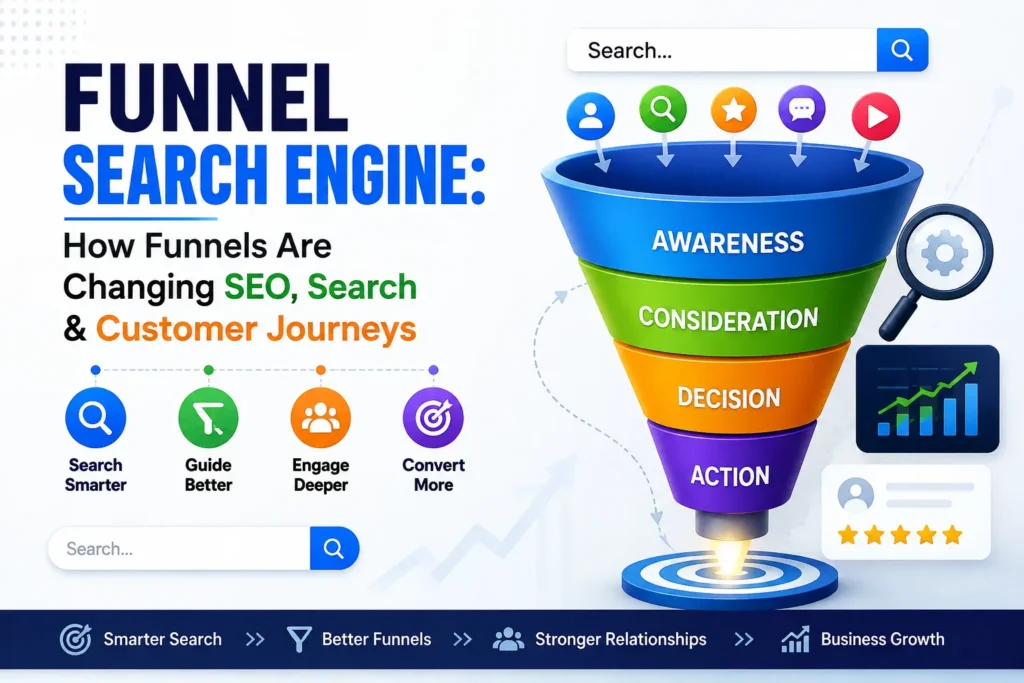
What Is a Keyword Funnel?
A keyword funnel organizes keywords based on the user’s search intent and journey. In keyword mapping, it helps you assign the right keywords to the right pages based on what users want at each stage. This keeps your content organized and prevents different pages from targeting the same search intent.
What Is a Keyword Mapping Document?
A keyword mapping document is a simple SEO file that connects keywords to specific website pages. It includes the target keyword, search intent, suggested URL, page title and content type. It keeps your SEO strategy organized and makes sure each keyword has the right page.
Conclusion
Keyword mapping lets you build a clear and organized SEO strategy. It connects the right keywords with the right pages, search intent, content and URLs. A good keyword map avoids keyword cannibalization and keeps each page focused on a specific topic.
By mapping keywords before creating content, you can target the right searches and give users more useful information. It makes it easier to update existing pages, find content gaps and improve your website’s search visibility over time.
FAQs
How many keywords should you map to one page?
Focus on one main keyword and a few related keywords that naturally fit the page.
When should you create a new page for a keyword?
Create a new page when the keyword covers a different topic or user need.
How do I check what competitors are ranking for?
Check your competitors’ top-ranking pages with tools like Ahrefs or Semrush to find the keywords they target.